How to Rent Coffee Equipment for Restaurants Effectively - The Complete 2026 Guide
Running a successful restaurant in 2026 means delivering exceptional coffee experiences without breaking your budget. De acordo com relatórios recentes do setor de the National Coffee Association's 2026 Industry Report, 72% of restaurant customers say quality coffee service impacts their dining satisfaction. Yet purchasing commercial-grade equipment outright often costs $15,000-$50,000—a prohibitive expense for growing operations.
Coffee equipment rental solves this dilemma by providing access to professional machinery at predictable monthly rates. Having helped over 300 foodservice businesses implement rental programs at Busy Bean Coffee, I've developed this comprehensive guide covering everything from equipment selection to contract negotiation.
What Exactly is Coffee Equipment Rental? (And Why Restaurants Love It)
📚
Definition
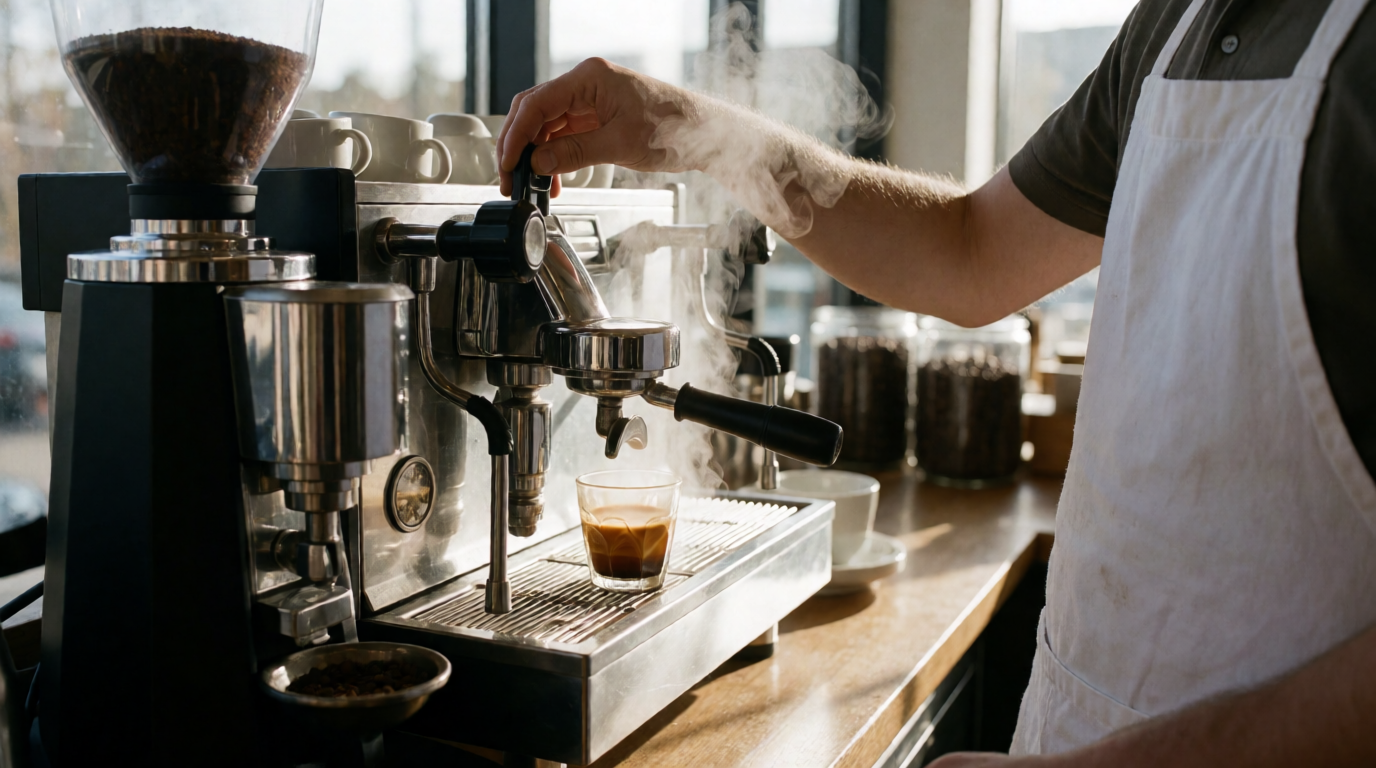
Coffee equipment rental is a service model where foodservice businesses lease commercial-grade coffee machines, grinders, and related accessories through monthly payment plans, typically including full maintenance, repairs, and often product supplies.
Unlike traditional purchasing, rental programs transform coffee equipment from a capital expenditure into an operational cost. Here's how the model works in practice:
- Custom Selection: Choose from espresso machines, batch brewers, or specialty equipment matched to your menu and volume
- White-Glove Installation: Provider handles delivery, setup, and initial staff training
- All-Inclusive Service: Regular maintenance, emergency repairs, and often coffee beans included
- Flexible Terms: Contracts typically range 12-36 months with upgrade/downgrade options
The Specialty Coffee Association's 2025 Operational Benchmarking Study found restaurants using rental models reduced equipment-related downtime by 67% compared to owners.
The Financial Case for Renting vs Buying Coffee Equipment
When analyzing equipment acquisition for the dozens of restaurants I consult with annually, rental consistently proves smarter financially in five key ways:
| Cost Factor | Purchasing | Renting |
|---|---|---|
| Upfront Cost | $10,000-$50,000 | $0-$500 installation fee |
| Maintenance | $1,500-$5,000/year | Included |
| Repairs | $300-$2,000/incident | Covered |
| Obsolescence Risk | Full depreciation | Free upgrades available |
| Tax Treatment | Capital expense | Fully deductible operating expense |
According to Deloitte's 2026 Restaurant Equipment Finance Analysis, the average 3-year total cost of ownership is 42% lower for rented equipment versus purchased when factoring in maintenance, repairs, and opportunity cost of capital.
💡
Key Takeaway
Renting converts unpredictable capital expenditures into fixed operating costs while eliminating equipment obsolescence risk.
Step-by-Step: How to Rent the Perfect Coffee Equipment for Your Restaurant
1. Accurately Assess Your Needs
Start by analyzing:
- Daily coffee volume (cups/day)
- Beverage menu complexity (espresso, pour-over, cold brew etc.)
- Available space (counter, backhouse, or mobile setups)
- Staff skill level (need for automated vs manual machines)
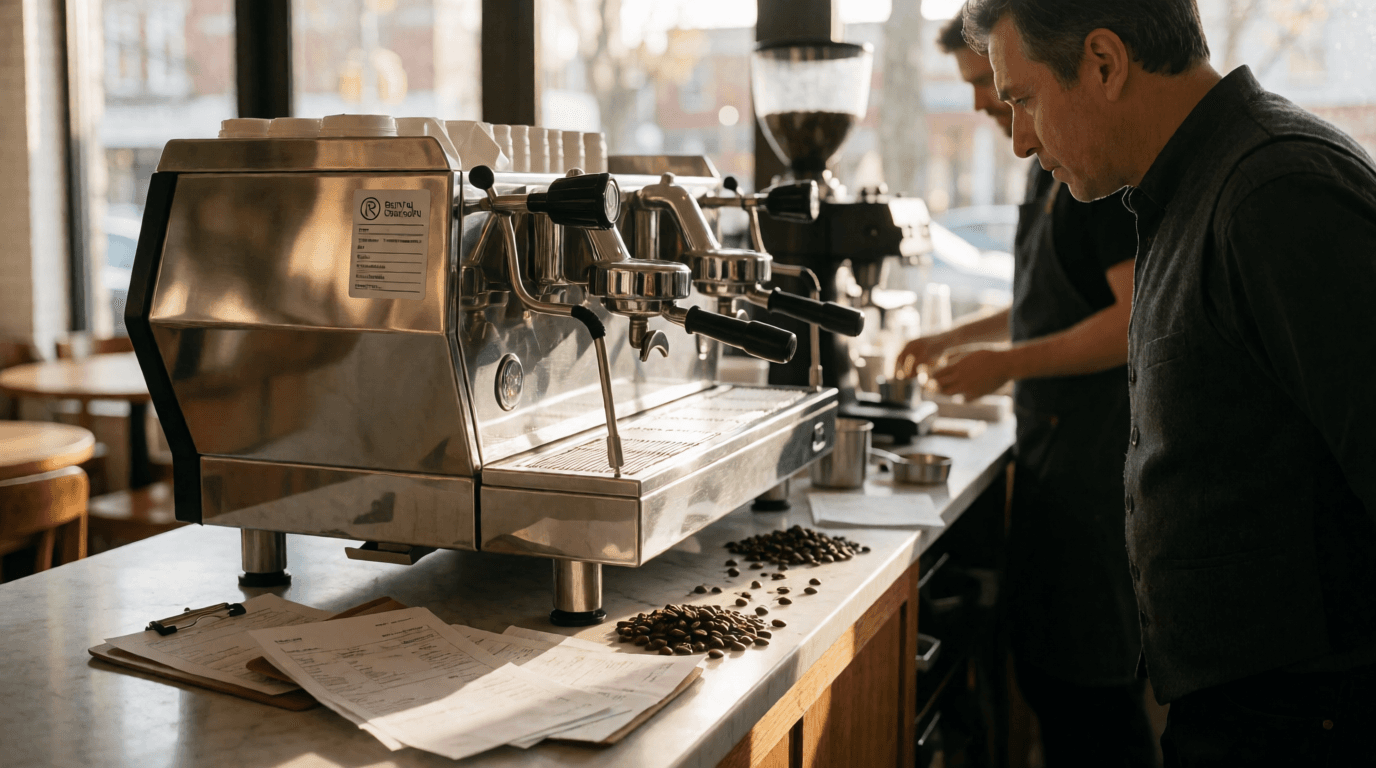
For high-volume breakfast restaurants (200+ cups/day), we typically recommend dual-group espresso machines like the La Marzocco Linea PB paired with high-capacity batch brewers.
2. Evaluate Rental Providers
Look for these essential service components:
✔ Full maintenance included
✔ 24/7 emergency service
✔ Bean-to-cup equipment options
✔ Flexible contract terms (12-36 months)
✔ Transparent pricing (no hidden fees)
✔ 24/7 emergency service
✔ Bean-to-cup equipment options
✔ Flexible contract terms (12-36 months)
✔ Transparent pricing (no hidden fees)
At Busy Bean Coffee, all our rental agreements include quarterly preventative maintenance and same-day emergency repairs—critical for minimizing service disruptions.
3. Compare Equipment Options
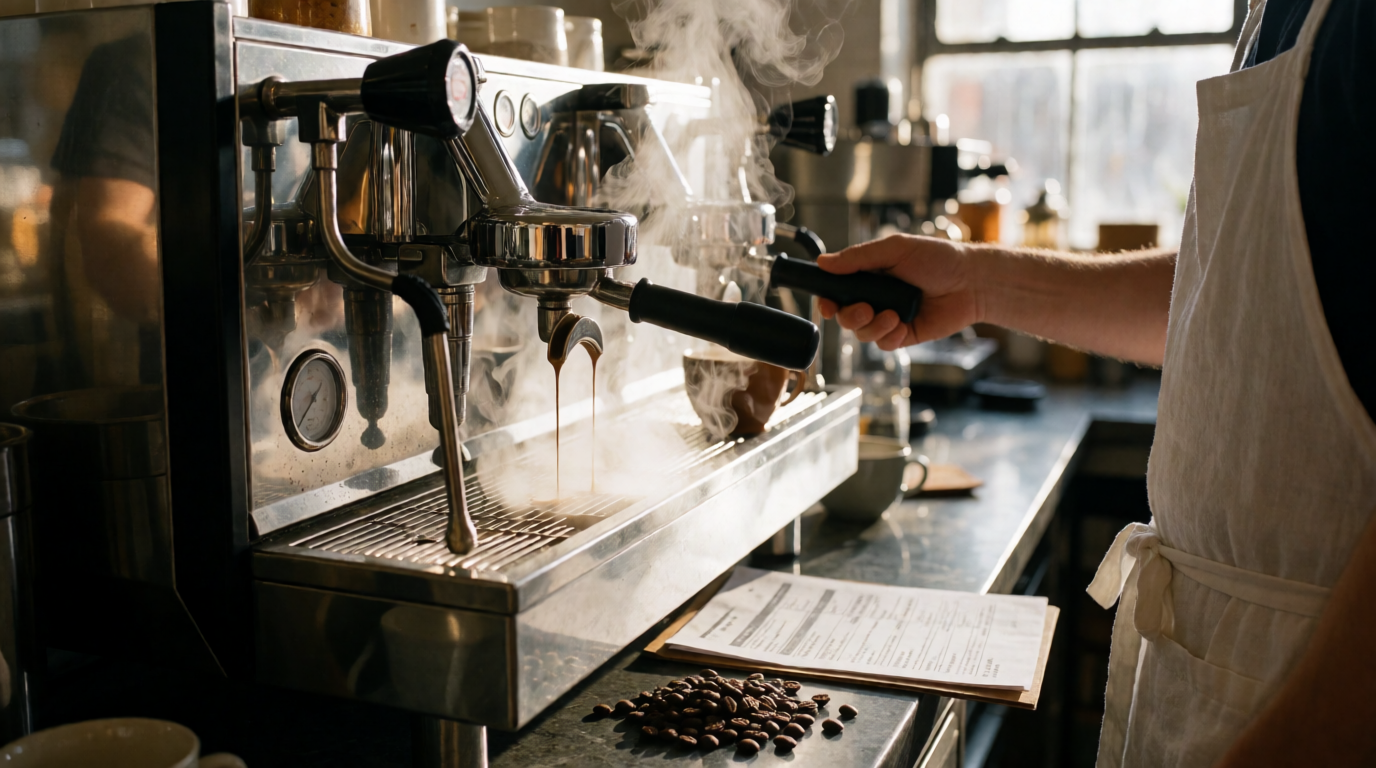
Consider these top rental choices for restaurants:
| Equipment Type | Volume Capacity | Space Needs | Operator Skill | Monthly Rental Range |
|---|---|---|---|---|
| Super-Automatic Espresso | 100-300 cups | Compact | Minimal | $250-$450 |
| Traditional Espresso | 150-400 cups | Medium | Expert | $300-$600 |
| Pour-Over Stations | 50-150 cups | Large | Intermediate | $150-$300 |
| Batch Brewers | 200-1000 cups | Varies | Minimal | $200-$400 |
| Cold Brew Systems | 50-200 cups | Medium | Basic | $175-$325 |
4. Understand the Full Cost Structure
Beyond the base rental fee, clarify:
- Installation charges ($50-$500)
- Coffee product requirements (if any)
- Early termination fees
- Technology upgrades (many providers offer free mid-term equipment refreshes)
5. Negotiate Contract Terms
Critical clauses to address:
- Service level agreements (response times for repairs)
- Insurance requirements
- Substitution policies during repairs
- End-of-lease buyout options
We advise clients to insist on <4 hour response times for critical equipment failures—a standard we guarantee at Busy Bean Coffee.
Top 5 Mistakes Restaurants Make When Renting Coffee Equipment
Mistake #1: Underestimating volume needs
Solution: Analyze sales data to right-size equipment*
Solution: Analyze sales data to right-size equipment*
Mistake #2: Neglecting water filtration
Solution: Always include filtration systems to prevent scale buildup*
Solution: Always include filtration systems to prevent scale buildup*
Mistake #3: Overlooking staff training
Solution: Require provider-led training sessions*
Solution: Require provider-led training sessions*
Mistake #4: Accepting poor service terms
Solution: Demand 24/7 emergency coverage in writing*
Solution: Demand 24/7 emergency coverage in writing*
Mistake #5: Not planning for menu expansion
Solution: Choose modular systems that allow add-ons*
Solution: Choose modular systems that allow add-ons*
The NSF's 2025 Commercial Kitchen Equipment Survey found restaurants that avoided these mistakes saw 53% longer equipment lifespan on rental agreements.
Frequently Asked Questions
How does coffee equipment rental affect my restaurant's taxes?
Rental payments qualify as fully deductible operating expenses (IRS Section 162), unlike purchased equipment which requires depreciation. Many states also exempt rented equipment from personal property taxes. Consult your accountant about potential tax advantages in your area.
What happens when the rental contract ends?
Most providers offer four options:
- Renew with same equipment
- Upgrade to newer models
- Return equipment (no further obligation)
- Purchase equipment at fair market value
At Busy Bean Coffee, 78% of clients choose to upgrade to the latest models at contract end.
Can I rent specialty equipment like nitro cold brew systems?
Absolutely. Leading providers now offer:
- Nitro cold brew towers
- Modbar undercounter systems
- Steampunk single-serve brewers
- Clover commercial machines Though these typically command 20-40% higher monthly fees than standard equipment.
What insurance do I need for rented coffee equipment?
While providers cover equipment damage from normal use, most require you to carry:
✔ General liability insurance ($1M minimum)
✔ Equipment breakdown coverage (optional but recommended)
✔ Equipment breakdown coverage (optional but recommended)
We provide clients with approved vendor insurance checklists to streamline the process.
How quickly can I get equipment installed?
Standard installations typically occur within:
- 3-5 business days for common equipment
- 7-10 days for specialty/custom pieces
- Next-day emergency placements (premium service)
During peak restaurant opening seasons (January, August), plan for longer lead times. That's why at Busy Bean Coffee we maintain a 15% buffer inventory of our most popular rentals.
Implementation Roadmap: Getting Started with Rental Equipment
Follow this 30-day timeline for seamless adoption:
Week 1: Needs assessment + provider research
Week 2: Get quotes + compare options
Week 3: Contract review + negotiations
Day 21-25: Installation + staff training
Day 26-30: Menu testing + staff certification
Week 2: Get quotes + compare options
Week 3: Contract review + negotiations
Day 21-25: Installation + staff training
Day 26-30: Menu testing + staff certification
Restaurants that follow structured onboarding see 41% faster ROI according to SCA operational benchmarks.
The Future of Coffee Equipment Rental
Emerging 2026 trends to consider:
- AI-optimized equipment that self-monitors maintenance needs
- Carbon-neutral rental programs with lifecycle emissions offset
- Subscription coffee models bundling equipment + beans
- Virtual barista training via AR/VR platforms
At Busy Bean Coffee, we're piloting equipment with IoT sensors that automatically dispatch service technicians before failures occur—reducing downtime by up to 90%.
Final Recommendation
For most restaurants, renting coffee equipment provides the optimal balance of quality, cost control, and operational flexibility. The key is partnering with a provider that offers:
- Comprehensive maintenance coverage
- Flexible contract terms
- Quick service response
- Staff training programs
- Upgrade pathways
Our managed coffee program at Busy Bean Coffee delivers all this plus exclusive access to SENSA smart machines—the industry's most reliable equipment. Schedule a consultation today to design your perfect rental solution.
Recommended Readings
To deepen your understanding of these topics, we recommend reading the following articles:
- Ultimate Guide to Automated Coffee Machines for Business
- Ultimate Guide to Specialty Coffee Equipment for Business
- Ultimate Guide to Barista Accessories for Foodservice Pros
- Ultimate Guide to Wholesale Barista Equipment for Businesses
Free Coffee Pairing Guide & Specialty Roast Cheat Sheet
Unlock the secrets of perfect brewing ratios, water temperatures, and specialty roast profiles. Download the guide.